Network management,
finally simple.
EasyLAN puts IP configuration, network scanning, connectivity testing and more into one clean, fast Windows app built for IT professionals.
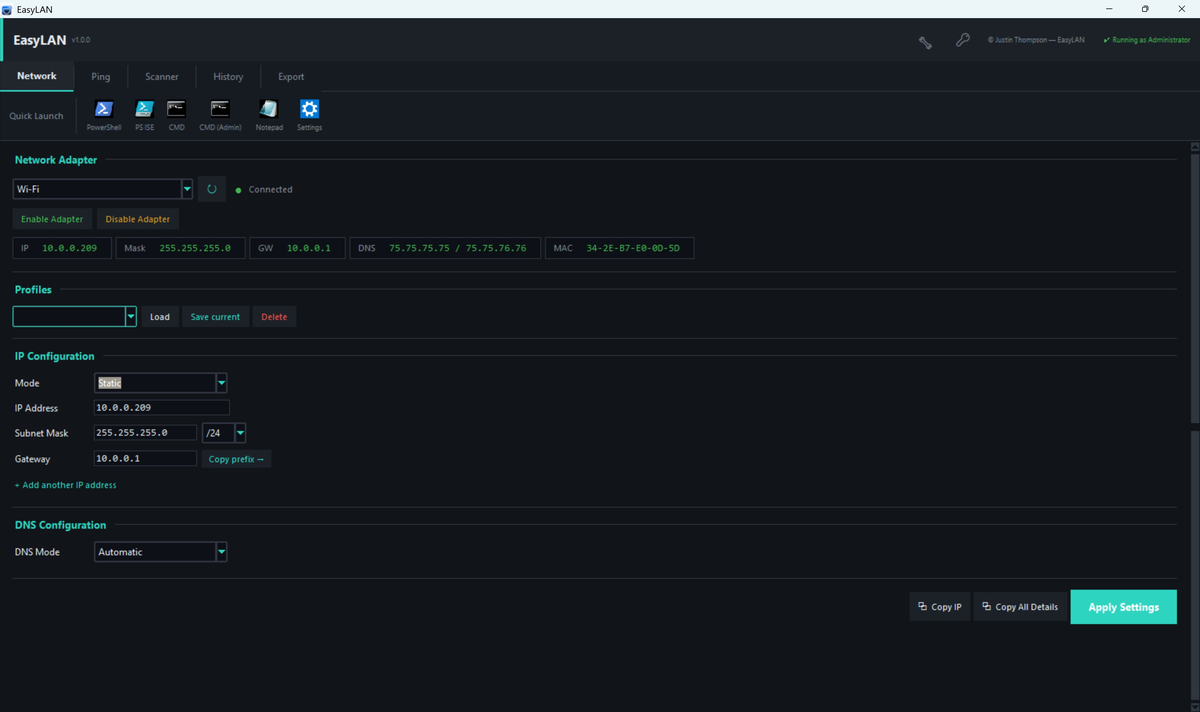
The tools you use every day,
right at your fingertips.
Designed for sysadmins, network engineers, and IT technicians who work with Windows networks every day.
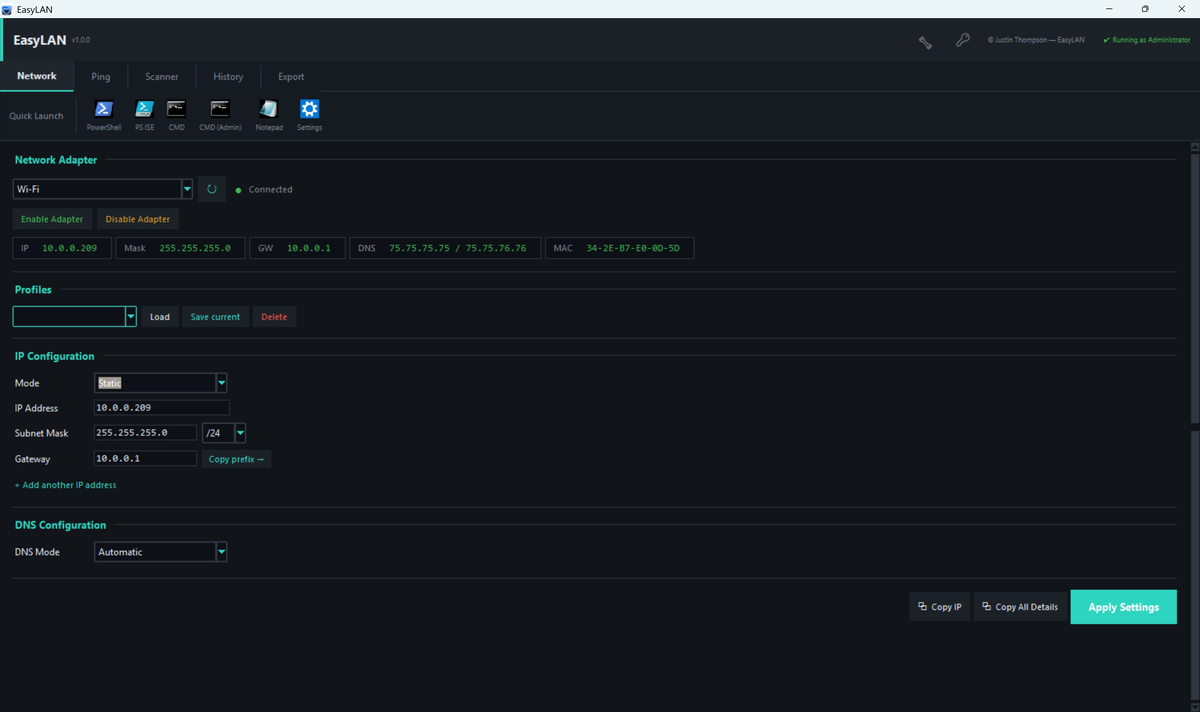
IP Configuration
Switch between DHCP and static IP instantly. Add multiple IPs to a single adapter. Set subnet, gateway, and DNS in seconds.
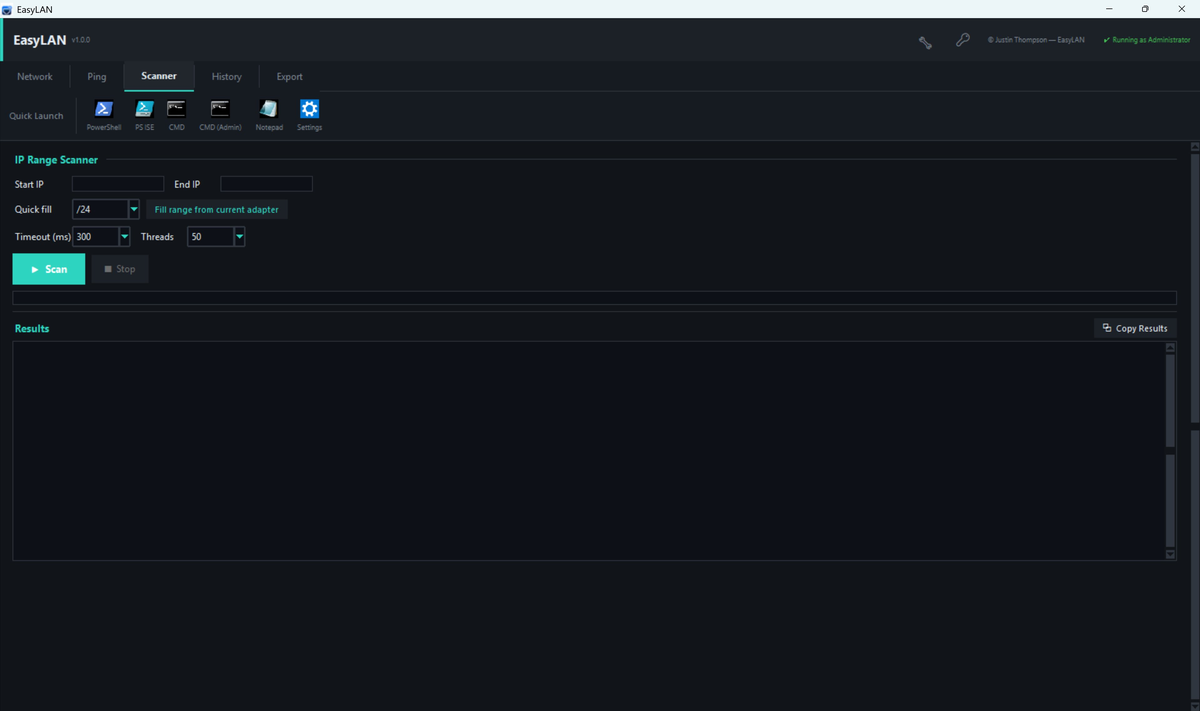
IP Range Scanner
Scan any IP range with configurable timeouts and thread counts. Discover live hosts in real time with per-result copy buttons.
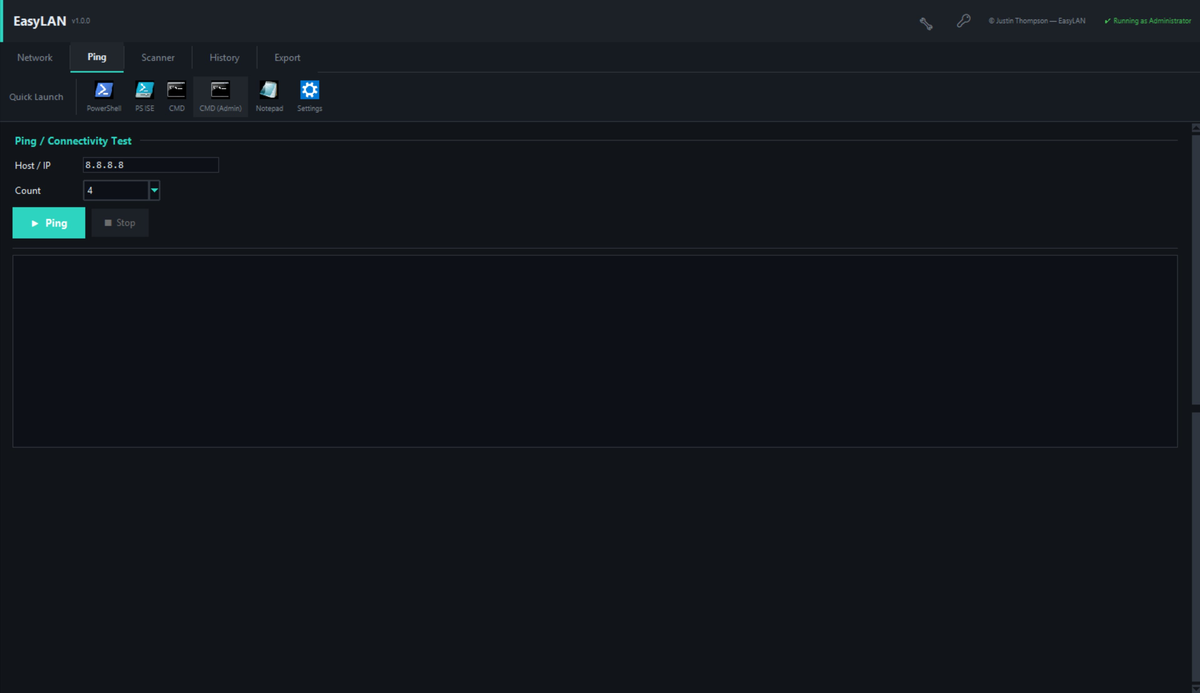
Ping & Connectivity
Test connectivity to any host with live output. Supports continuous ping, configurable count, and colour-coded results.
Network Profiles
Save named configurations and switch between office, home, and lab networks with a single click.
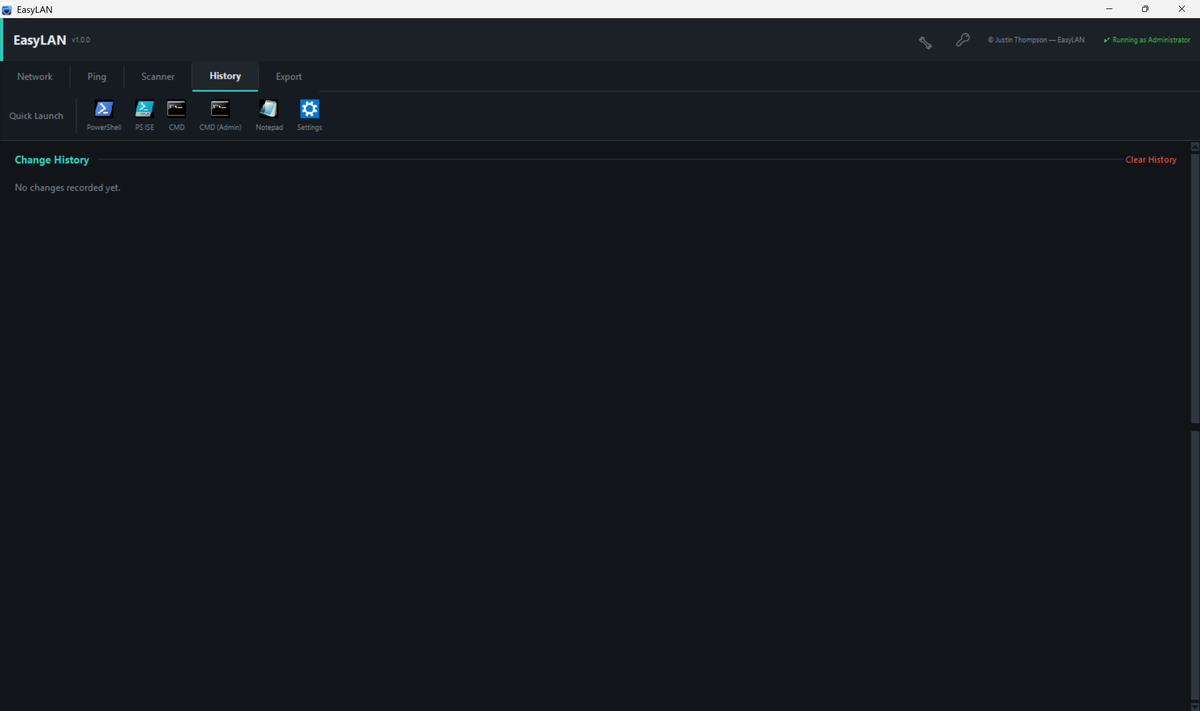
Change History
Every setting change is logged with timestamps and before/after values. Export history to JSON for documentation.
Customizable Quick Launch
Launch PowerShell, CMD, Notepad, and Windows Settings from the toolbar. Fully customizable with any app on your system.
DHCP Release & Renew
Release and renew DHCP leases on any adapter without touching the command line.
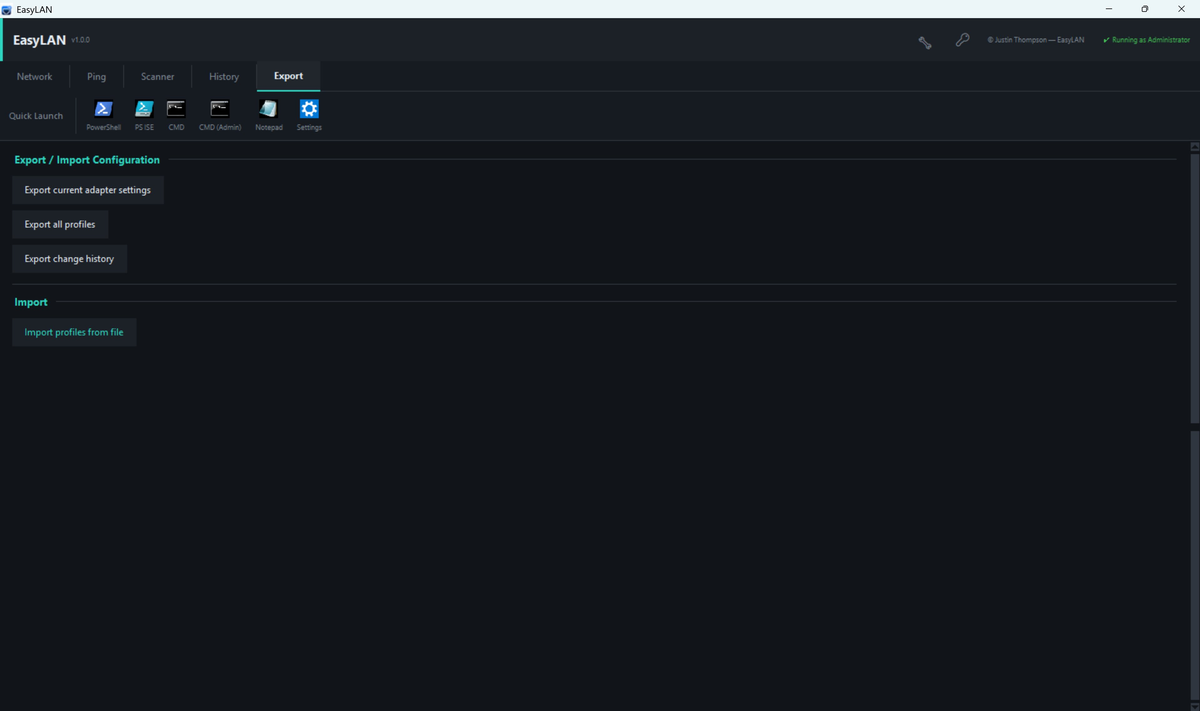
Export & Import
Export adapter settings, profiles, and change history to JSON. Import profiles across machines.
Adapter Management
View adapter status, MAC address, and IP details at a glance. Enable or disable adapters without opening Device Manager.
Virtual Adapters
Manage Hyper-V VLAN-tagged virtual network adapters from a GUI — no PowerShell required. Create, list, and delete virtual adapters and the underlying Hyper-V virtual switches. Requires Hyper-V (Windows 10/11 Pro, Enterprise, or Education).
See it in action.

Simple, one-time pricing.
No subscription. No monthly fees. Pay once, use forever.
Core network management for everyday use.
- IP configuration (DHCP & Static)
- Multiple IP addresses per adapter
- DNS configuration (manual)
- DHCP Release & Renew
- Enable / Disable adapter
- Default Quick Launch bar
- Copy IP & adapter details
- Network Profiles
- IP Range Scanner
- Ping & Connectivity
- Change History
- Export / Import
- DNS Presets
- Custom Quick Launch
Everything in Free, plus the full toolkit. One-time purchase, 5-seat license.
- Everything in Free
- Network Profiles — save & switch configs
- IP Range Scanner
- Ping & Connectivity testing
- Change History with export
- Export / Import configuration
- DNS Presets (Google, Cloudflare, Quad9)
- Custom Quick Launch bar
- Virtual Adapters — Hyper-V VLAN management
- 5-machine license
- Portable USB version available
- Free updates